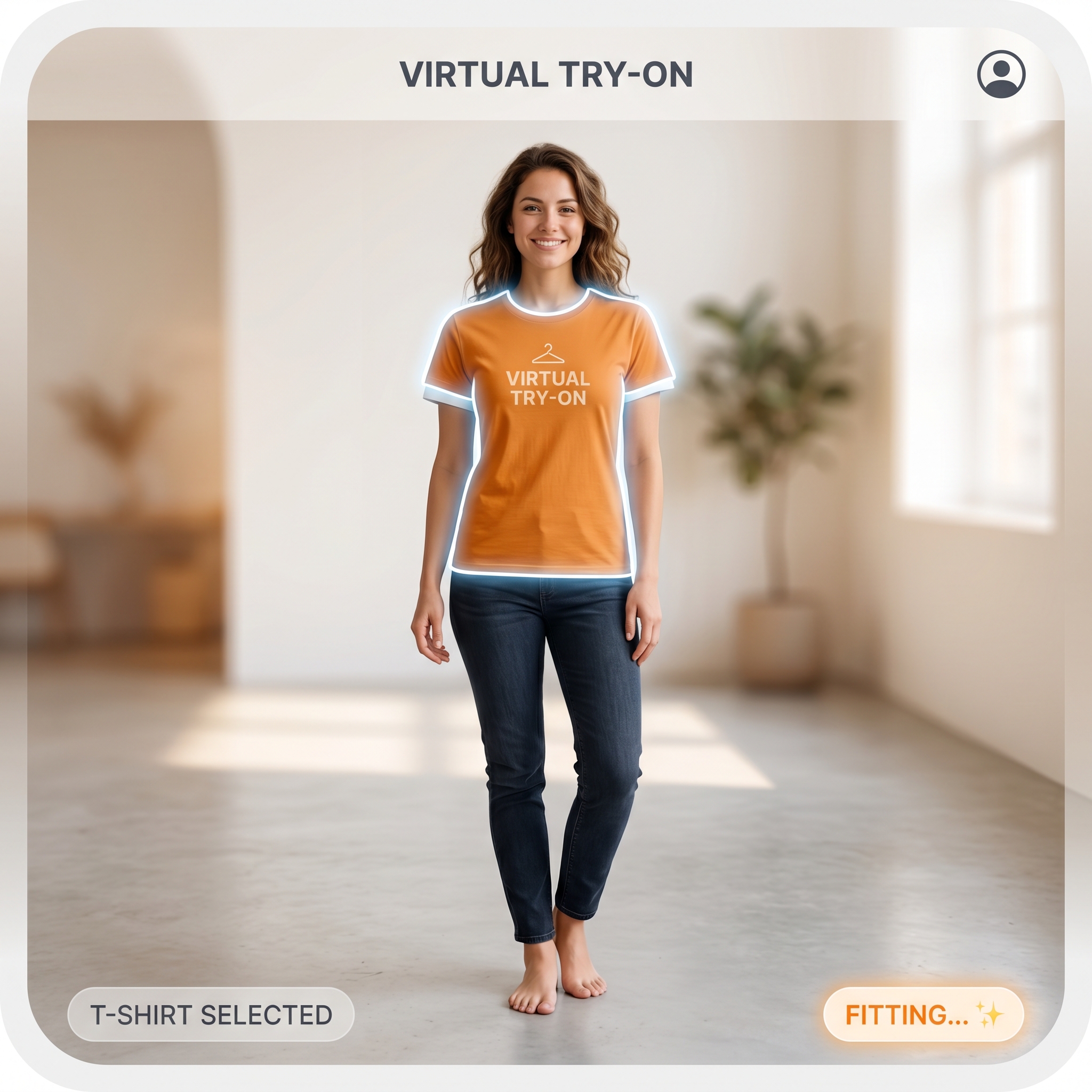
Virtual Try-On
Place garments onto realistic bodies with cleaner composition and styling direction than a typical e-commerce mockup.
iFashion AI brings the app's polished editorial look to every workflow: virtual try-on, model replacement, product-to-model generation, retouching, and motion content from one elegant mobile studio.
 Try-On
 Model Swap
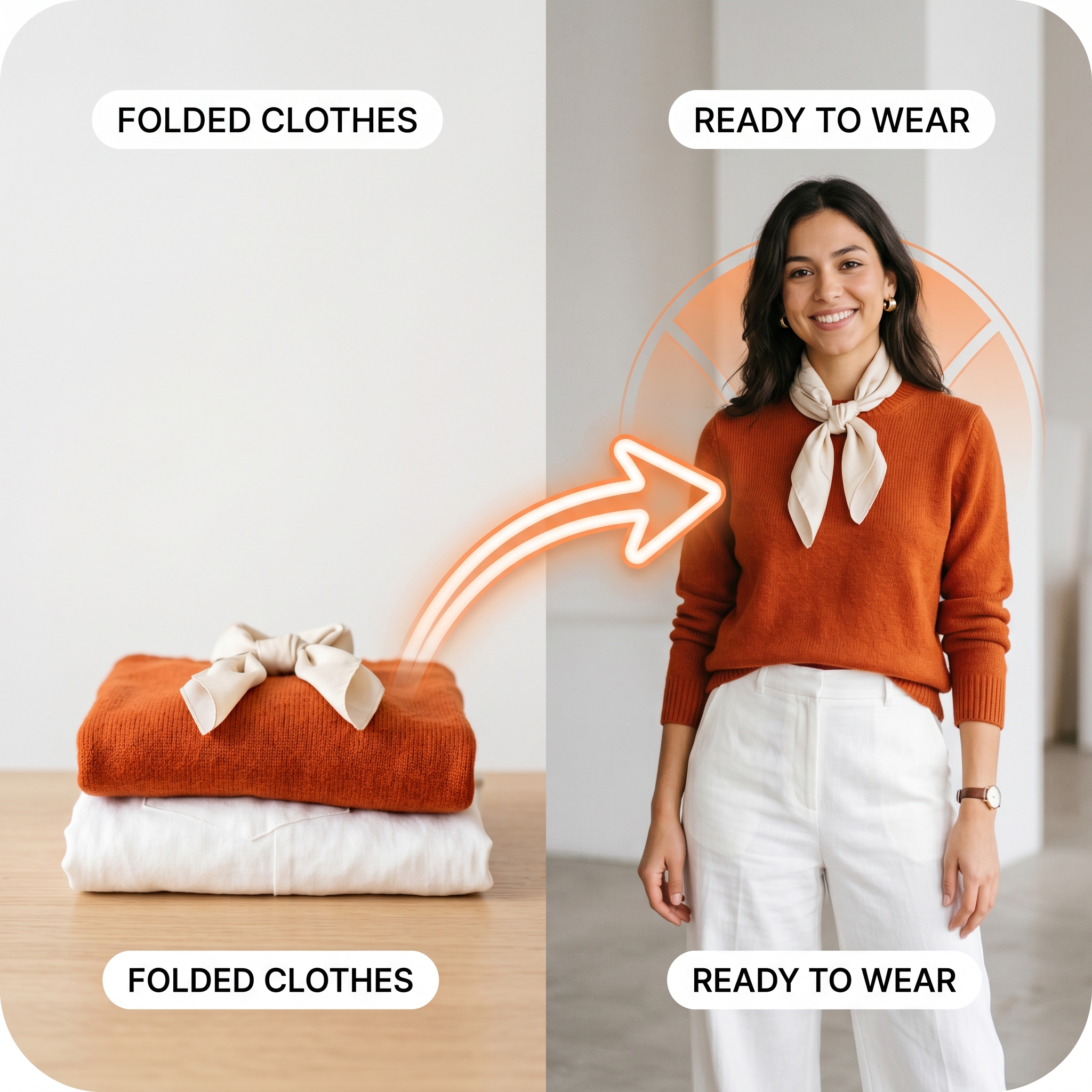 Product
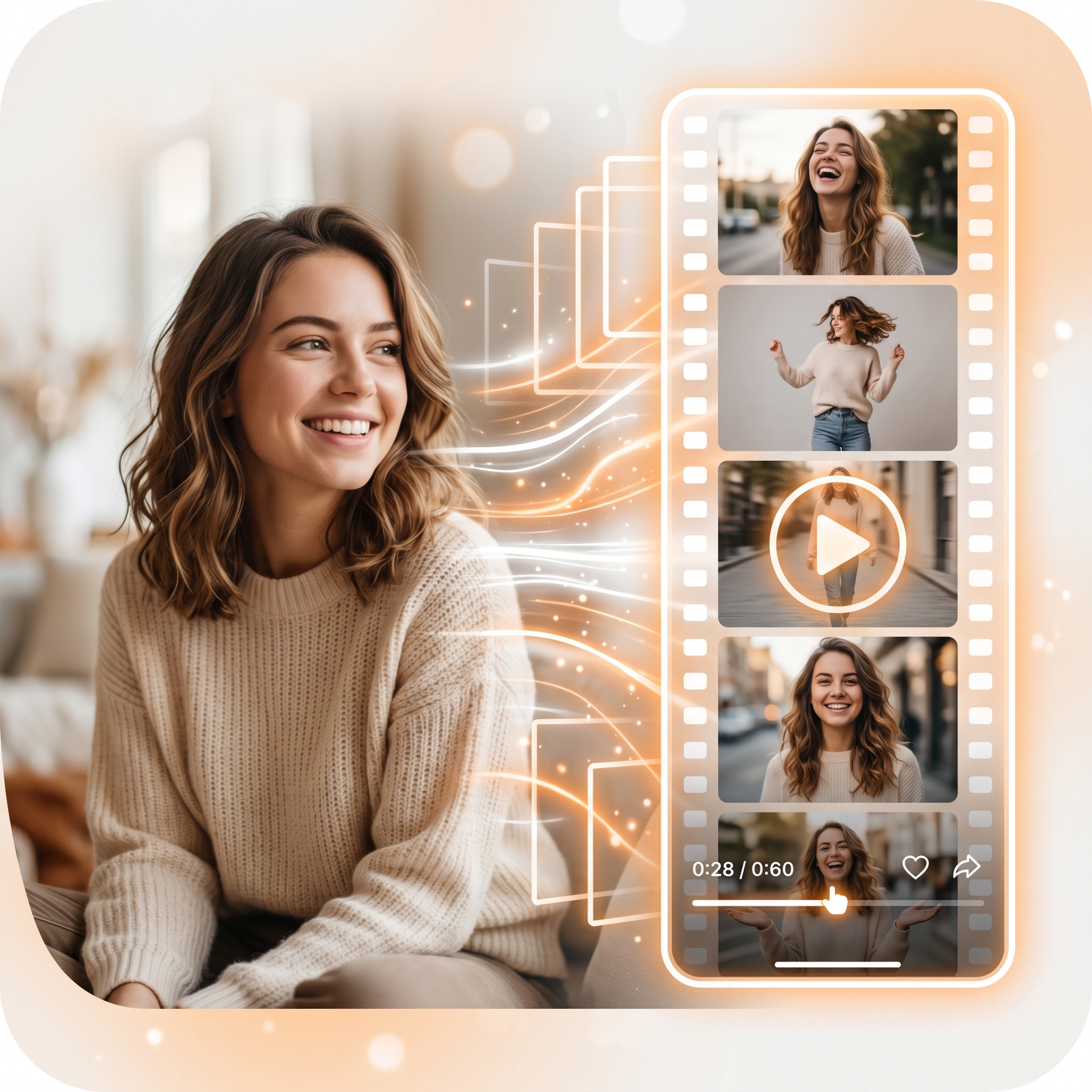 Motion
Same warm ivory, signature orange, deep ink surfaces, and serif-forward brand tone used in the core product experience.
Instead of generic AI utilities, iFashion AI focuses on fashion-specific workflows that feel curated, fast, and premium.
Place garments onto realistic bodies with cleaner composition and styling direction than a typical e-commerce mockup.
Recast your product shots with fresh model identities, varied looks, and editorial-ready body language.
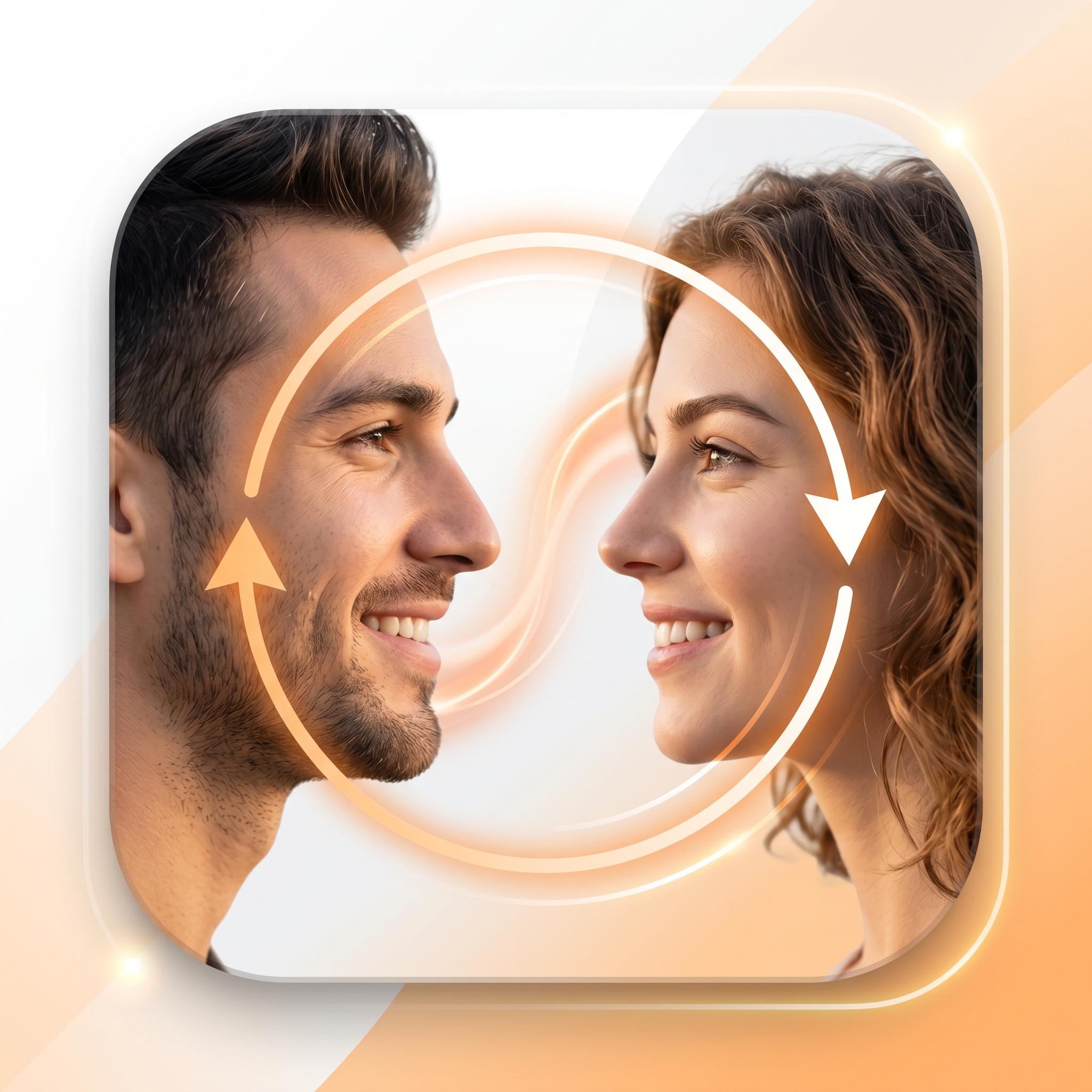
Adjust talent identity while preserving lighting, texture, and overall image continuity for polished outputs.
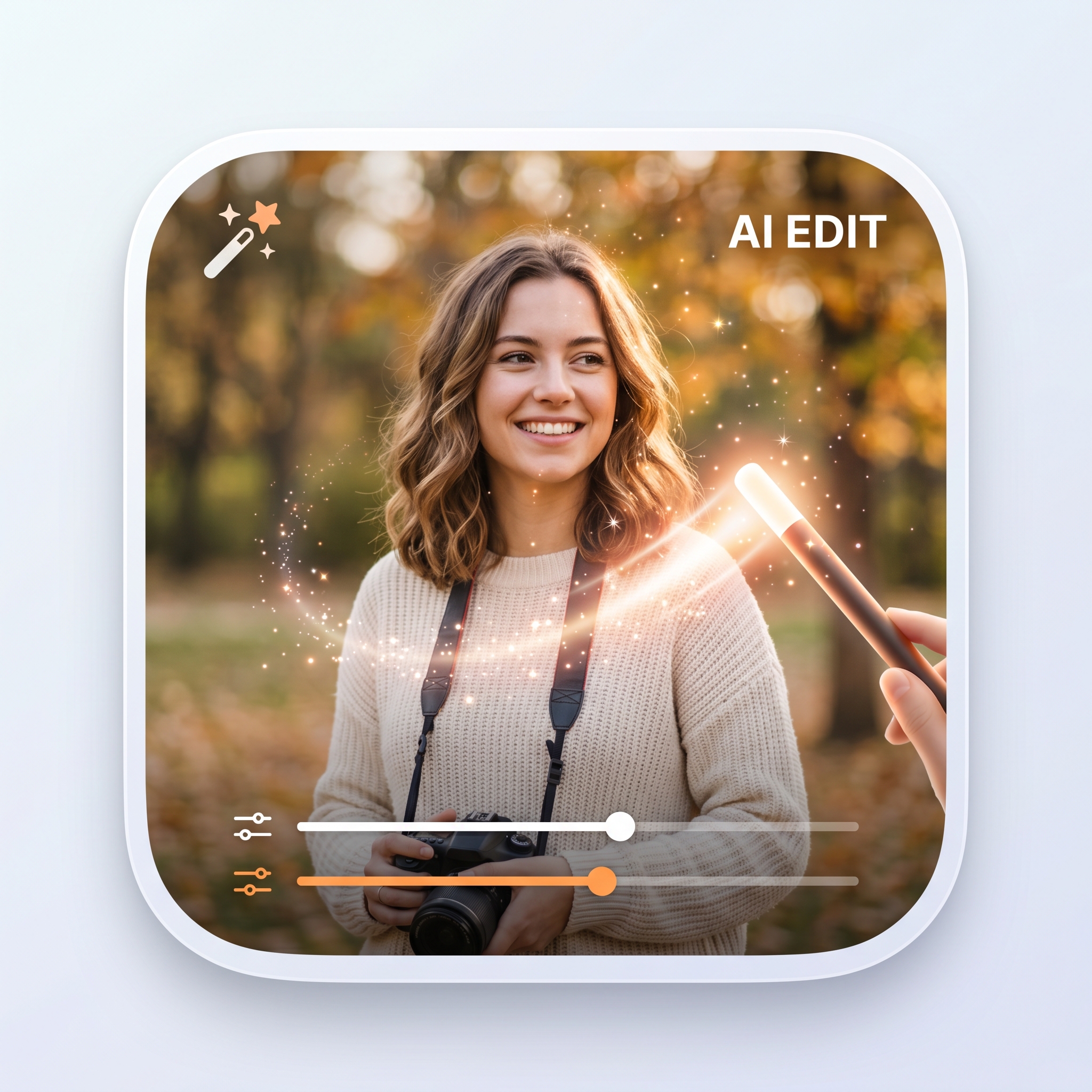
Clean up softness, restore detail, and push assets closer to the look of a finished campaign visual.
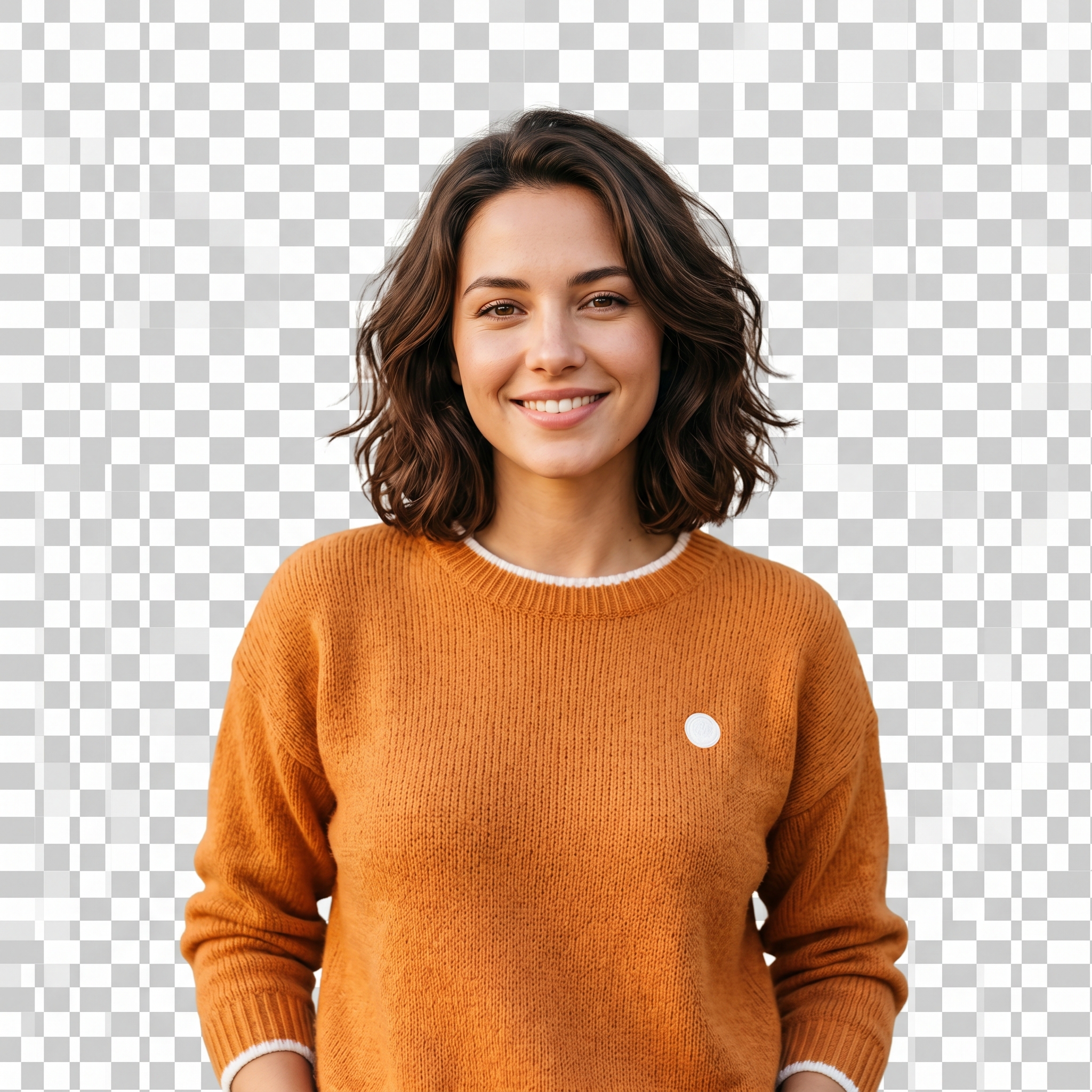
Cut subjects quickly for catalog work, layered compositions, and studio-style product scenes.
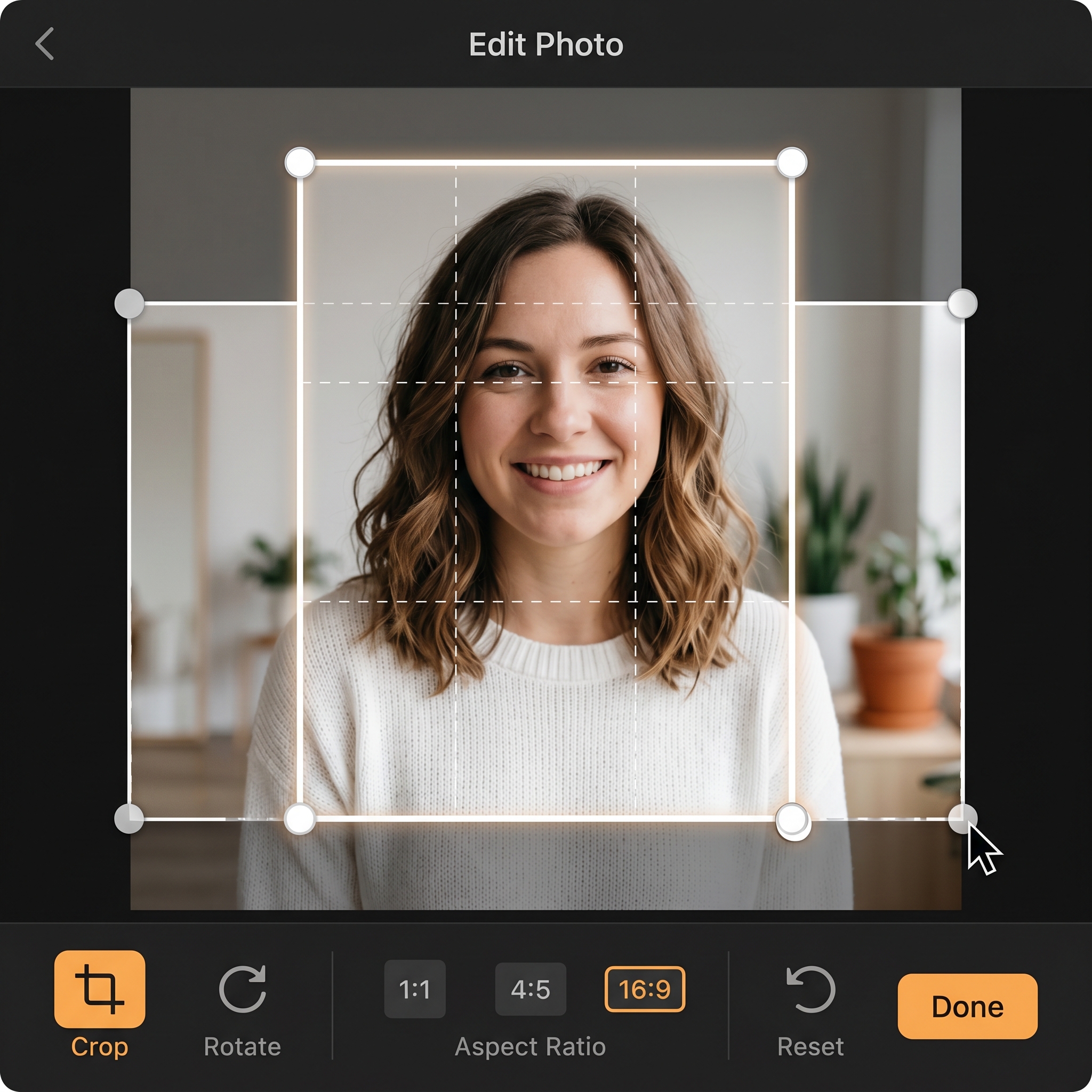
Resize and reshape content for social, storefront, ads, and presentation formats without rebuilding from zero.
The app already has a clear identity: expressive serif typography, apricot-orange highlights, ivory light, and dark ink depth. This landing page now follows that same direction so the website no longer feels separate from the product.
The structure is simpler to scan, more premium in tone, and still static-site friendly for a straightforward Netlify upload.
The site now explains the app like a premium workflow, not just a list of features.
Start from a garment photo, a flat lay, a mannequin, or a simple prompt describing the look you want.
Use try-on, model swap, face swap, refinement, or motion generation depending on the creative outcome you need.
Save polished outputs for social campaigns, e-commerce listings, decks, and other brand touchpoints without leaving your phone.
Download the app for free, then upgrade to Pro inside the App Store subscription flow when you need more output and faster iteration.
A free entry point for testing the workflow, exploring tools, and creating your first fashion outputs.
or $39.99/year, billed through Apple based on your App Store region
For creators and operators who need faster iteration, higher output quality, and a more generous daily production workflow.